Configuring Device Allocation
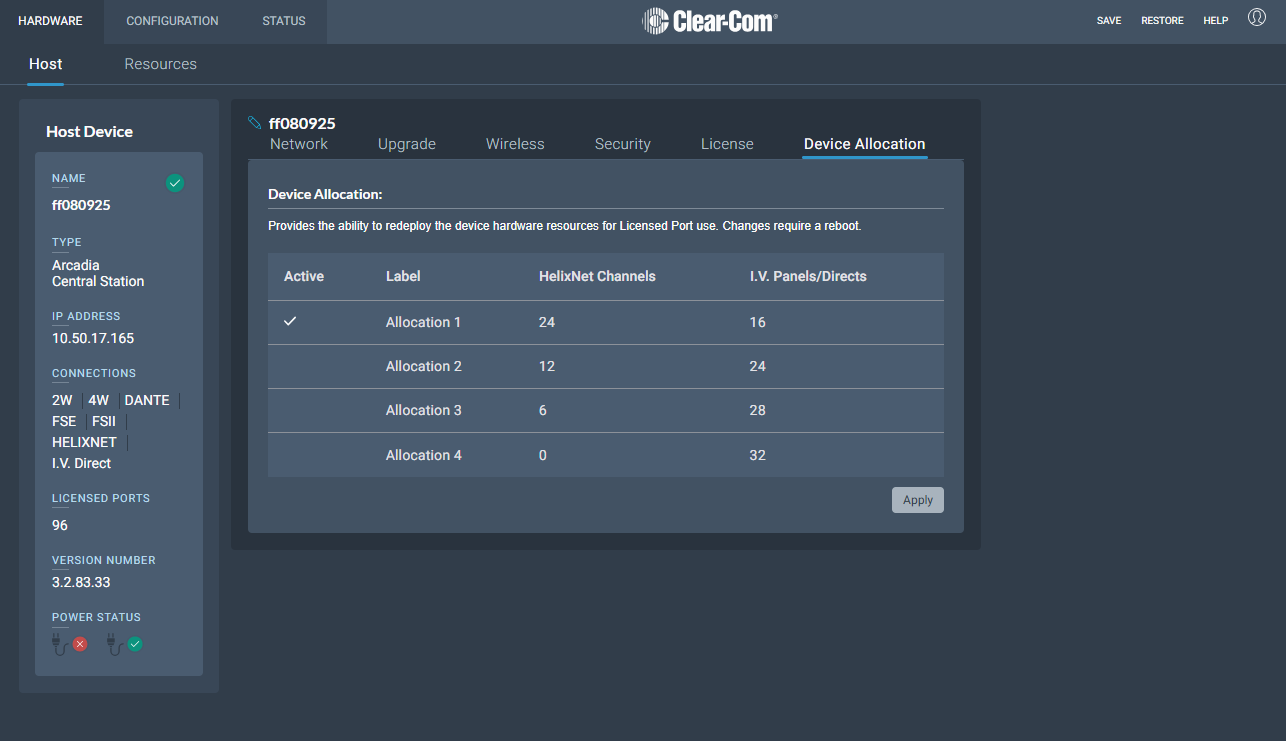
For explanation see: Device Allocation
Navigate to Hardware > Host > Device Allocation
The Device Allocation tab will display the current allocation with a check mark
To change the allocation, click on the desired row. This will highlight the row and enable the Apply button in the bottom right corner
Click Apply
Clicking Continue will apply the new allocation and reboot the device
| Note: | There can be a delay in showing the reboot pop-up after clicking Apply if a large number of HelixNet/I.V.Ports are being removed |
If you decrease the number of HelixNet Channels, all HelixNet Channels will be disabled. You can re-enable HelixNet capabilities in the necessary channels after reboot, provided you have enough licenses and the allocation limit is not reached
 Configuring Device Allocation